
Map the Connection
Show endpoints, intermediate nodes, approximate distances, access restrictions and the operating purpose of the link.
Define function, capacity, interfaces and site conditions before comparing options. A clear schedule makes quotations and technical responses easier to assess.
Work from the network requirement toward the component detail. Keep unknowns visible instead of turning them into assumptions.
Show endpoints, intermediate nodes, approximate distances, access restrictions and the operating purpose of the link.
Record fiber type, connector and polish, port count, wavelength, rack format, power and monitoring connections.
Describe pathway, mounting, cable entry, climate, service clearance and the equipment each product must accommodate.
List drawings, declared ratings, product documentation and acceptance measurements required for comparison.
Different product families need different inputs. This matrix is a compact starting point for your bill of materials.
| Product package | Define before comparison | Request in the response |
|---|---|---|
| Distribution boxes & ODF | Fiber capacity, adapters, splice trays, splitters, cable ports and mounting | Layout drawing, usable capacity and cable-management arrangement |
| Patch cords & passive optics | Fiber category, interface, polish, length, wavelength and loss budget | Configuration, optical ratings and relevant test details |
| Cabinets & pathways | Equipment list, rack units, depth, cable volume, route and service side | Dimensions, load limits, accessories and installation drawing |
| Telecom power | Input source, output voltage, load, branch protection and monitoring | Electrical arrangement, capacities and protection information |
| Outdoor enclosures | Equipment, exposure, heat load, mounting, entries and available space | Construction, thermal approach, declared protection and access layout |
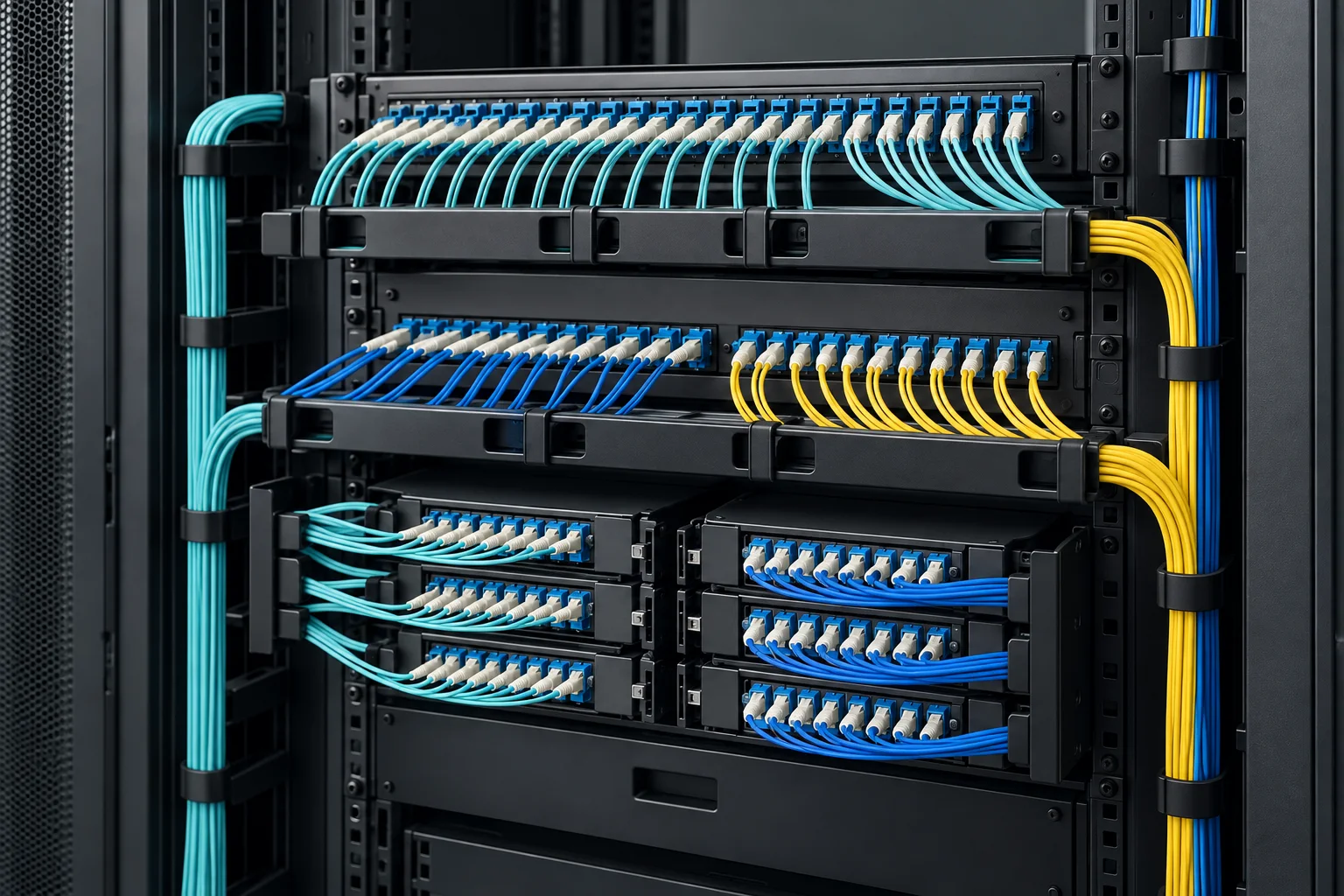
Fiber attenuation, connectors, splices, splitters and wavelength devices all contribute to link loss. Compare the combined requirement with the actual optical transmitter and receiver specifications.
The test instrument and record format should follow the acceptance question.
Identify contamination or damage before mating the optical connection.
Confirm end-to-end attenuation using an appropriate source and power meter.
Locate events and evaluate route characteristics where the project requires it.
Check mapping and retain labelled results against the installed link schedule.
A marked-up route, rack schedule or initial parts list is a useful starting point for a product enquiry.